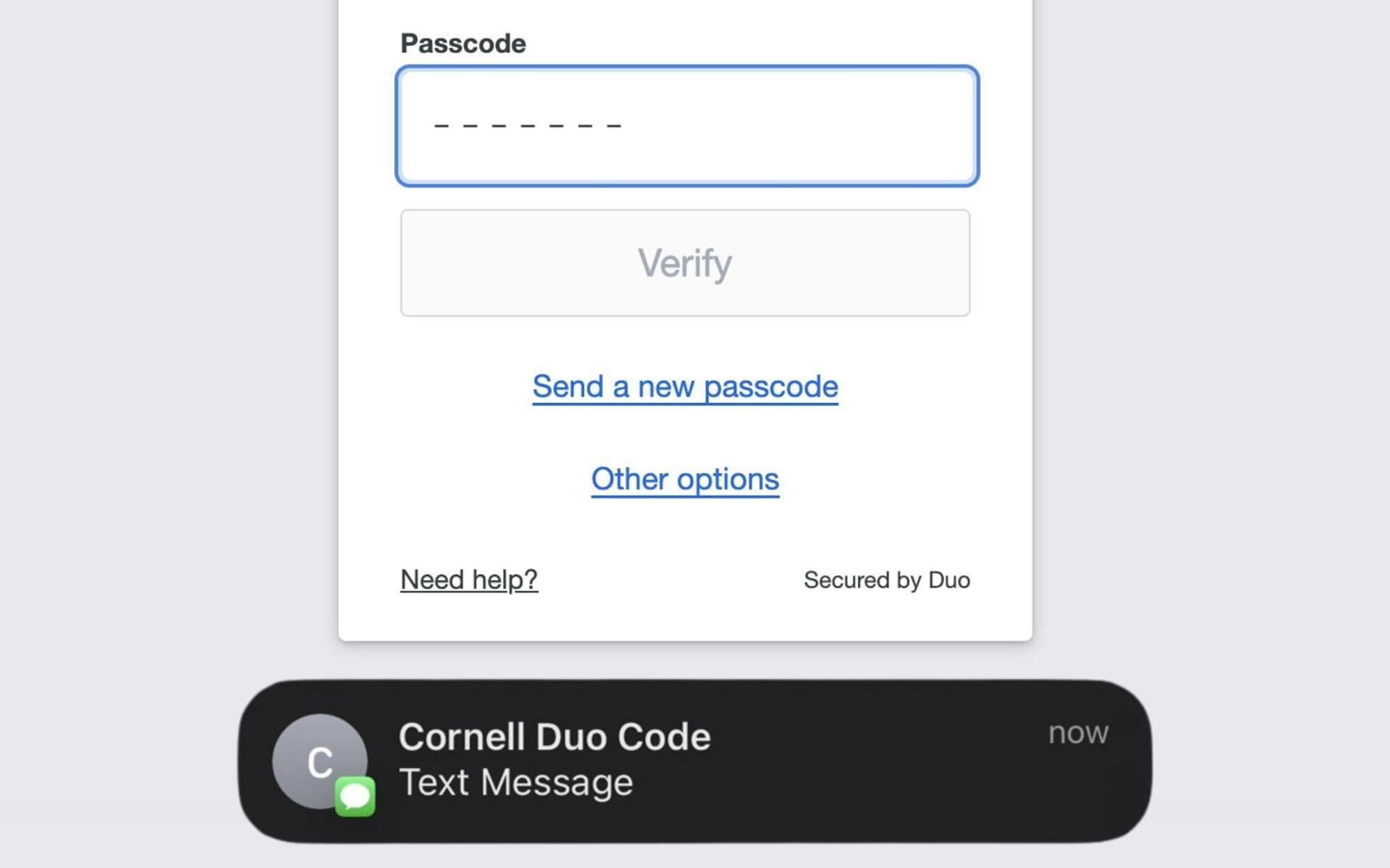
The University will retire the Duo Phone Call and SMS Passcode log-in methods for students beginning Tuesday, according to an Oct. 2 email to members of the Cornell community from Robert Edamala, Cornell’s chief information security officer.
Following the discontinuation of these features, students will no longer be able to receive Duo Security codes via phone call or text, and they must set up an alternative way to use Duo Two-Step Login for University-affiliated services.
Duo is the two-factor authentication program that is required for Cornellians to log into their University email address and access websites like Canvas, Student Center and Google Workspace.
Students who primarily use Duo Phone Call or Duo SMS Passcode must download the Duo Mobile app, purchase a USB security key or obtain a hardware token before Tuesday to be able to log into their accounts. Touch options like Windows Hello or Touch ID may work as well, Edamala wrote in the email.
On Tuesday, all accounts without the Mobile Duo app enabled will be shifted to the Duo Verified Push log-in method. With Duo Verified Push, a three-digit code appears on the user’s browser screen, and they are prompted to input their code into their mobile app.
Duo Verified Push is “the most secure way to use Duo at Cornell,” according to the IT@Cornell website.
Why Did This Policy Change?
Phone call and text passcode options have proved “too vulnerable” to protect Duo Security users, Edamala wrote in the Oct 2. email.
Phishing, a type of internet fraud involving account impersonation, is a concern that Edamala shared regarding Duo Phone Call and Duo SMS Passcode.
“The threat of cybercrimes against the Cornell community and university services continues to intensify,” Edamala wrote. “For example, criminals successfully used artificial intelligence to create convincing phishing messages that tricked individuals into sharing their Duo phone call and text message verification codes.”
Effects On The Cornell Community
The whole Cornell community will be affected by this policy change. For Cornell employees, faculty, academic staff, emeritus faculty, retirees and students who already used the Duo Mobile app, the discontinuation of phone call and text message passcodes was rolled out in September.
Prof. Gili Vidan, information science, said that the new policy will likely reduce phishing scams, but will also introduce “friction,” or extra effort, to the community based on accessibility.
“The less access points or the less modalities of verifying your access, the more you’re reducing phishing scams — and especially we know that texting is one of those very phishing-full activities,” Vidan said. “But with any change like that, when it’s about people’s ability to access resources, coursework, emails, we want to make sure that there are fallbacks and to know what they are and what is available.”
Some undergraduate students, like Alyssa Zito ’27, find the Duo Mobile app “annoying” and foresee problems with the new policy. Zito worries about the app affecting her schoolwork.
“Sometimes, if I don’t have another device [with me], I can’t get into Canvas,” Zito said. “And it doesn’t work sometimes … so it prevents me from doing assignments on time.”
Graduate student Sarah Salman wrote that she has the same difficulty with the Duo Mobile app, and wishes that she could still send codes to her phone number.
As an undergraduate student, Salman used a hardware token — which was out of the norm — and wrote that she appreciated the device at a time when she “wasn’t as reliant” on her phone. Now, she opts for the Duo Mobile app.
“I loved using [the token] because I felt like it didn’t take my focus away from my work,” Salman wrote. “Now I inevitably get distracted just by my smart watch or my phone when I authenticate Duo [through the mobile app].”
Resources
For students without smartphones, the University advises obtaining a USB security key or hardware token before Tuesday.
Students can buy a USB security key online, with IT@Cornell pointing to Yubico, an anti-phishing company that produces hardware security keys, as a resource. Hardware tokens can be purchased at The Cornell Store or funded through the school depending on the student’s circumstances, according to the IT@Cornell website.
Cornell’s IT department provides a general online guide to set up the Duo Two-Step login, as well as individual guides for each login method — Duo Mobile app, USB security key, hardware token, Windows Hello and Touch ID — for the community to follow while setting them up.
For assistance, Edamala referred the community to the IT Security Office for general questions, the IT Service Desk for Duo-specific questions and Duo Restore for information on preparing for transferring Duo from one smartphone to another.
“Despite the improved security of Duo Verified Push, cyber criminals may still try to impersonate Cornell by texting or calling you for the code,” Edamala wrote in the Oct. 2 email. “Never provide your authentication code in a text or call and never verify a request that you did not initiate yourself while logging in.”

Varsha Bhargava is a member of the Class of 2027 in the College of Agriculture and Life Sciences. She is the managing editor of the 144th Editorial Board and was a news editor for the 143rd Editorial Board. She can be reached at vbhargava@cornellsun.com.